🚚 Free Worldwide Shipping on All Orders!Shop Now

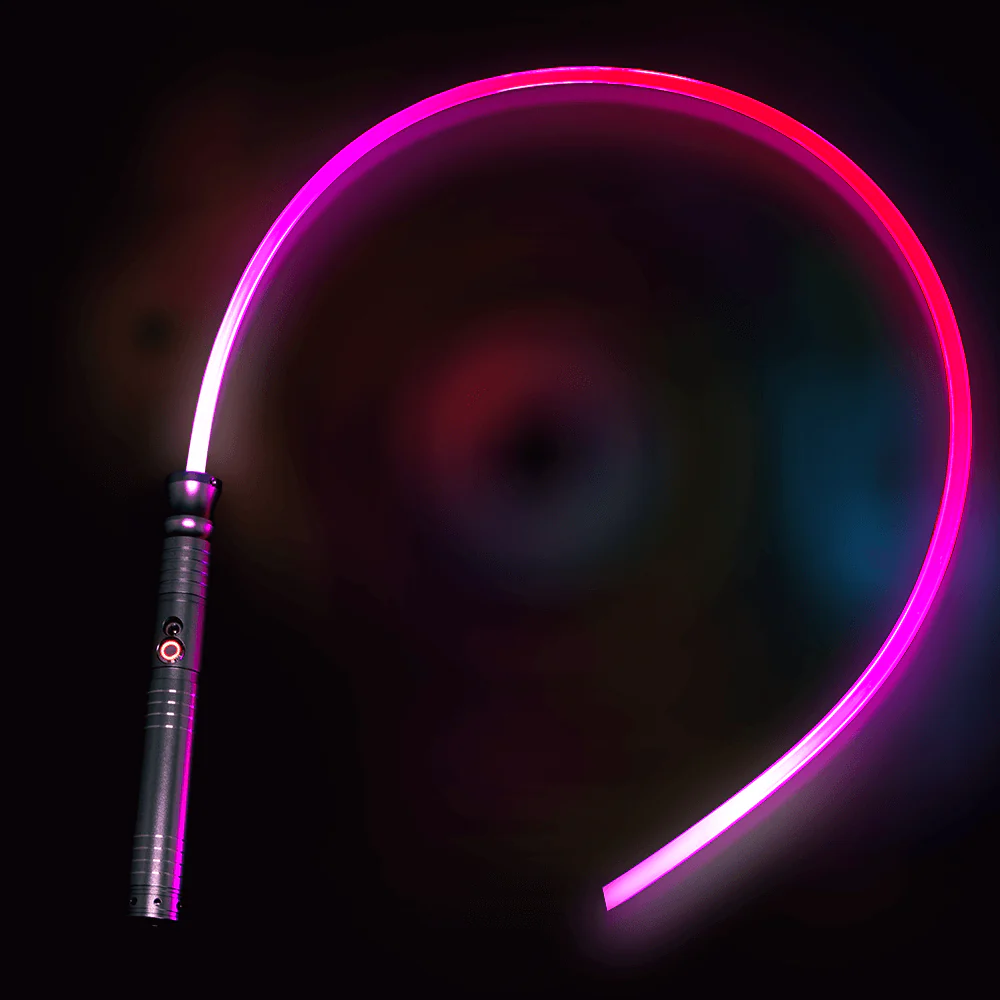
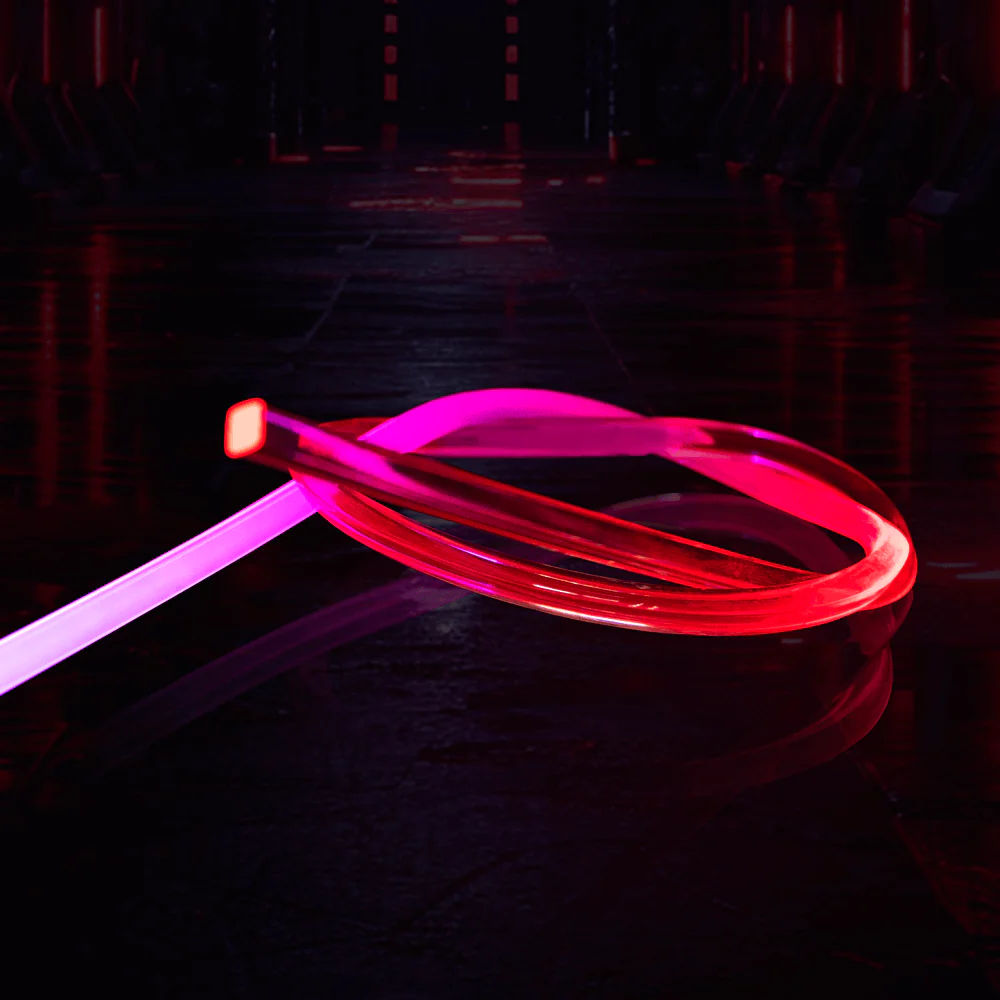
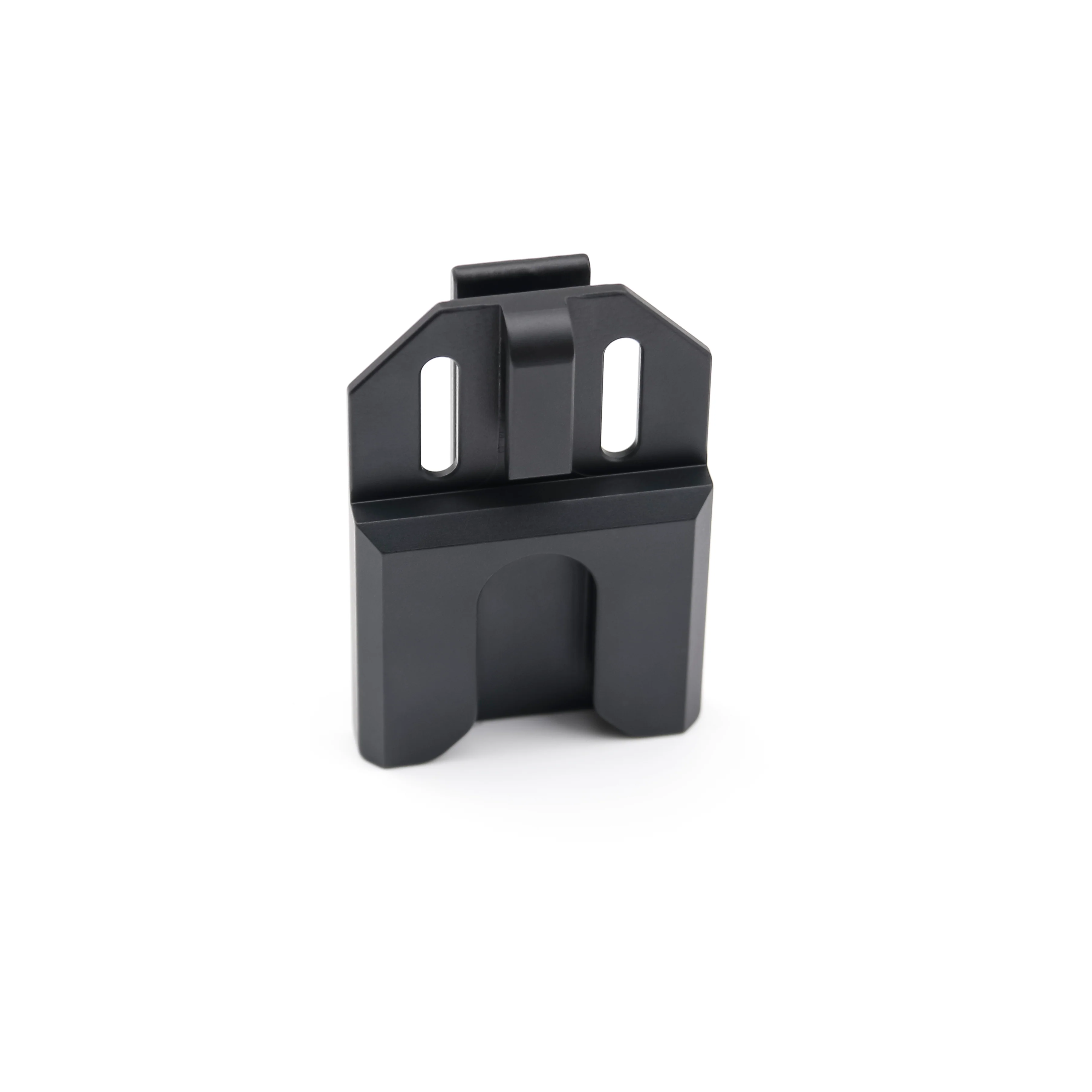
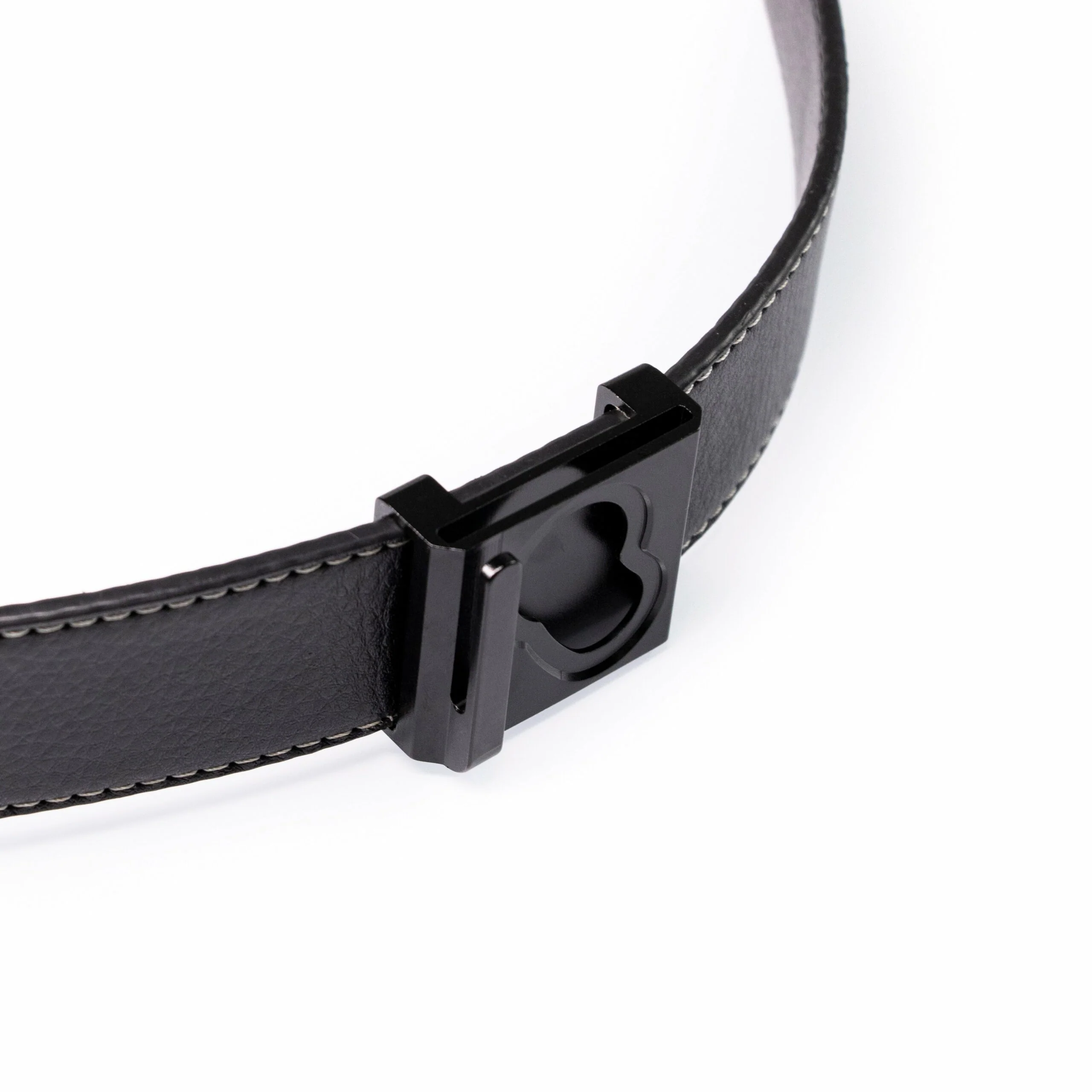
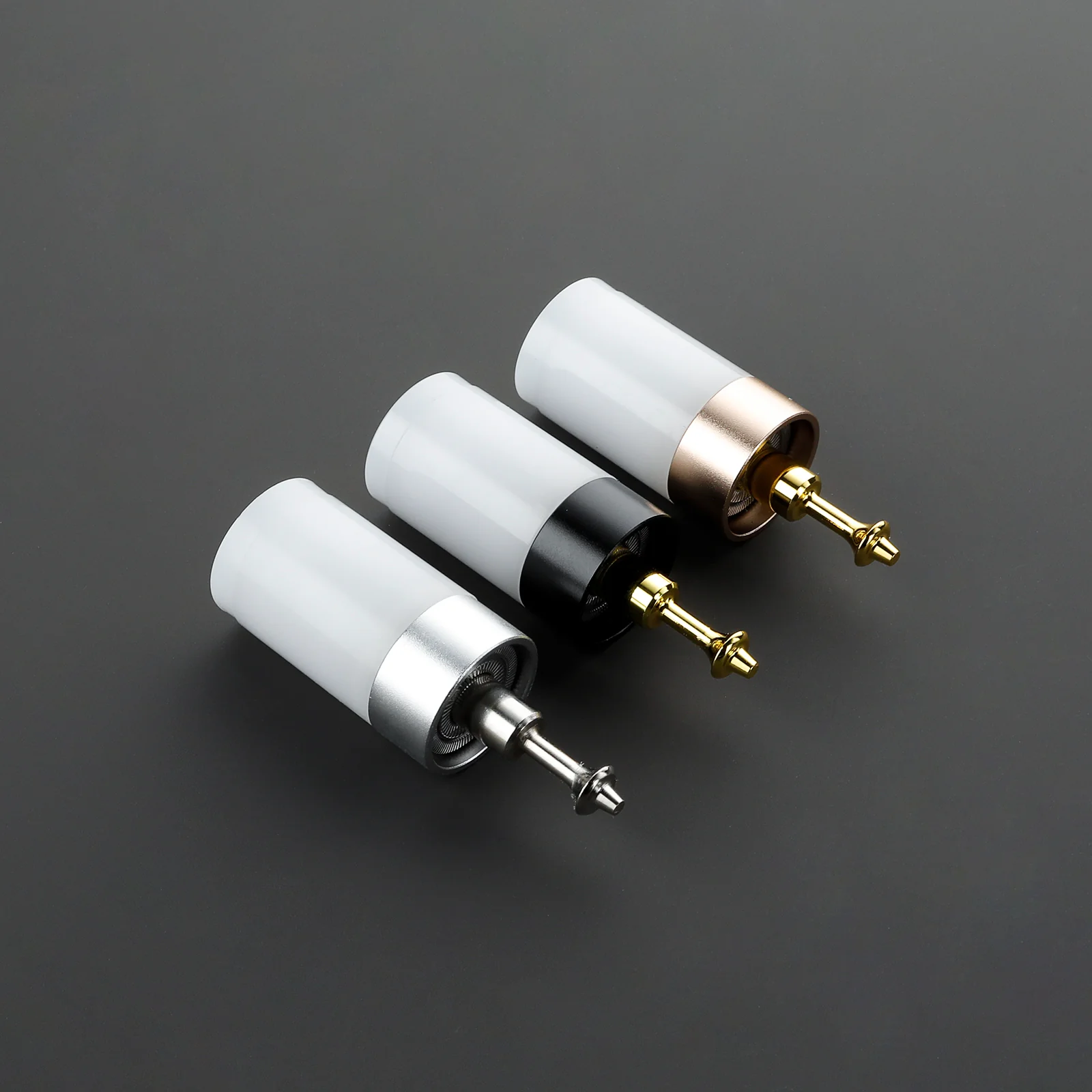
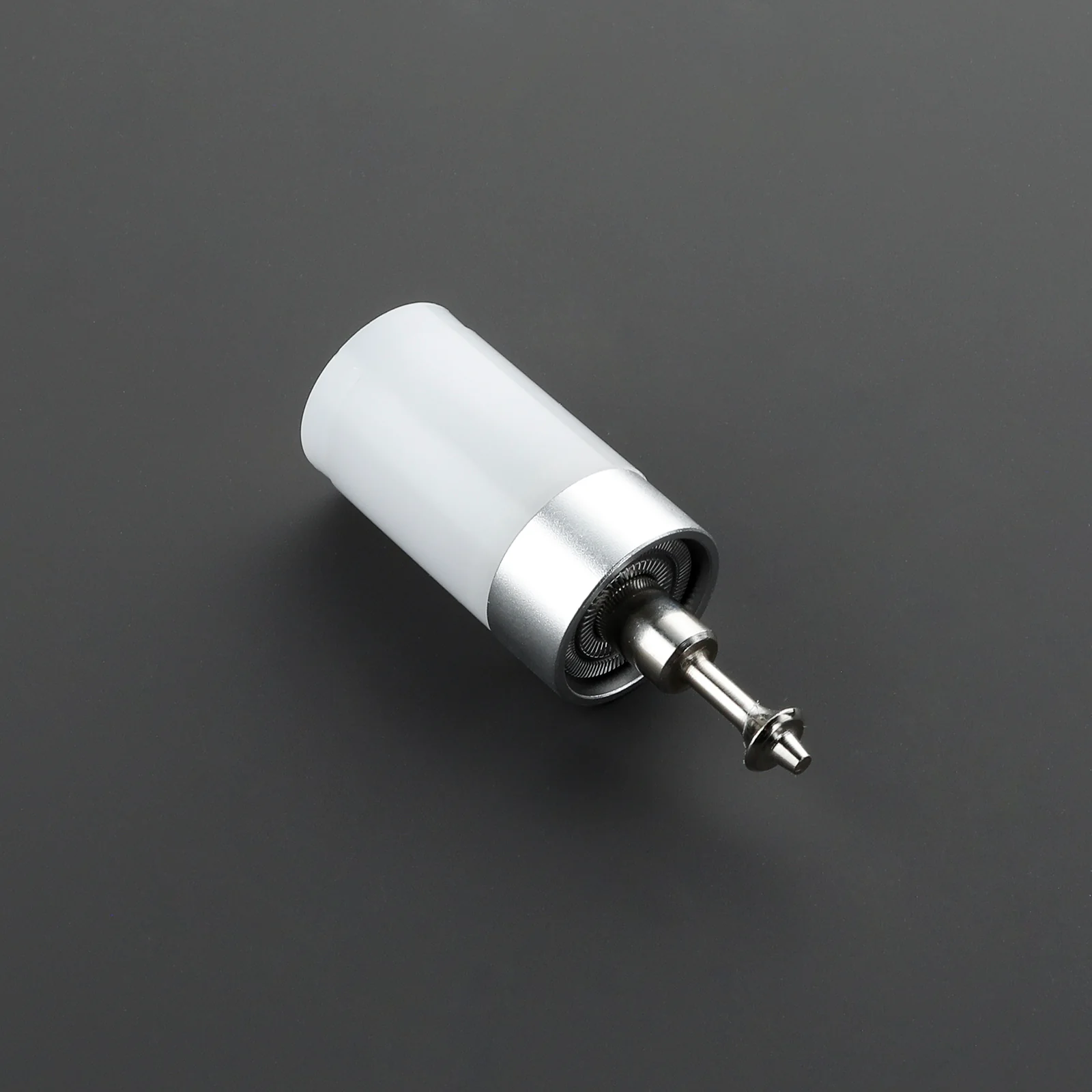
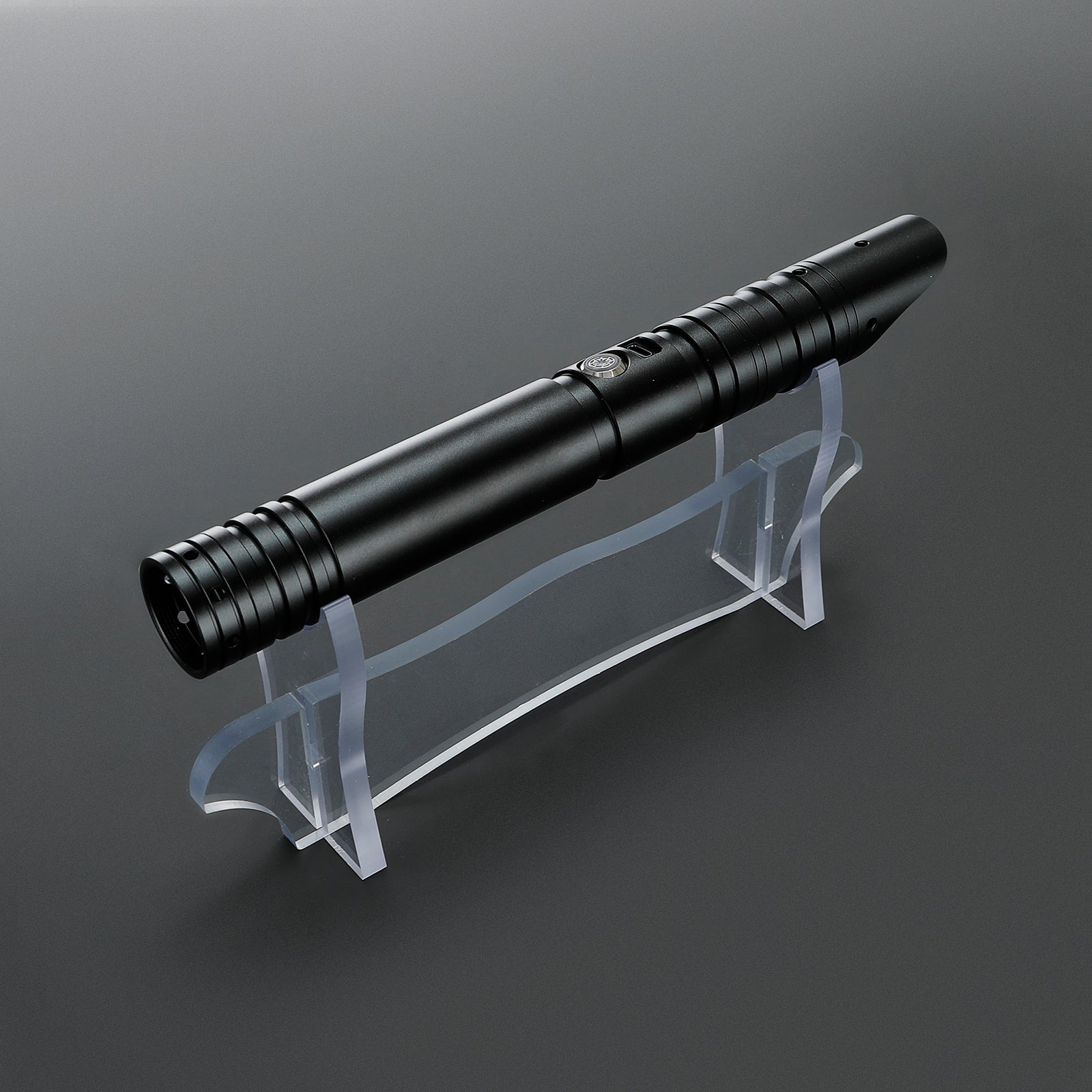
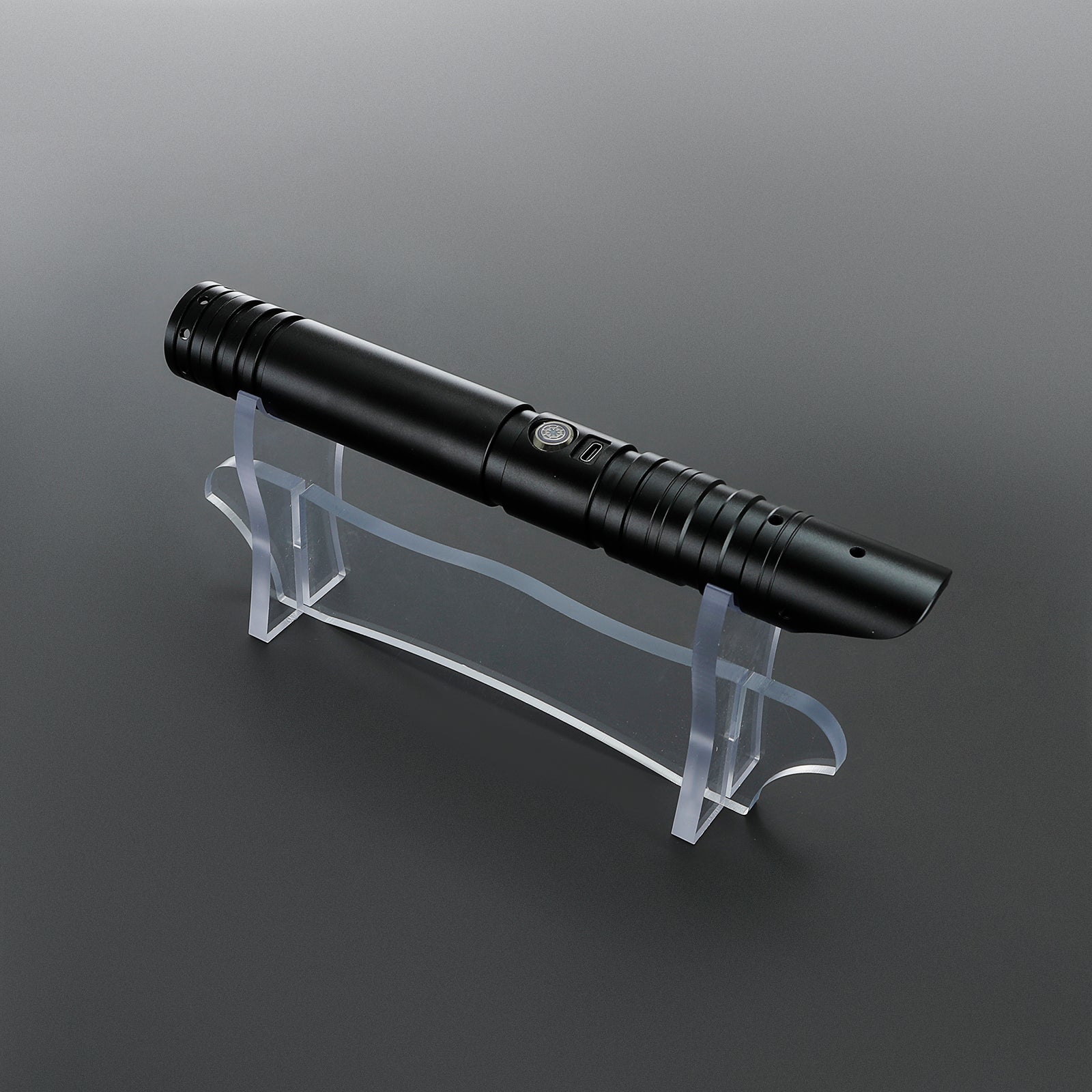
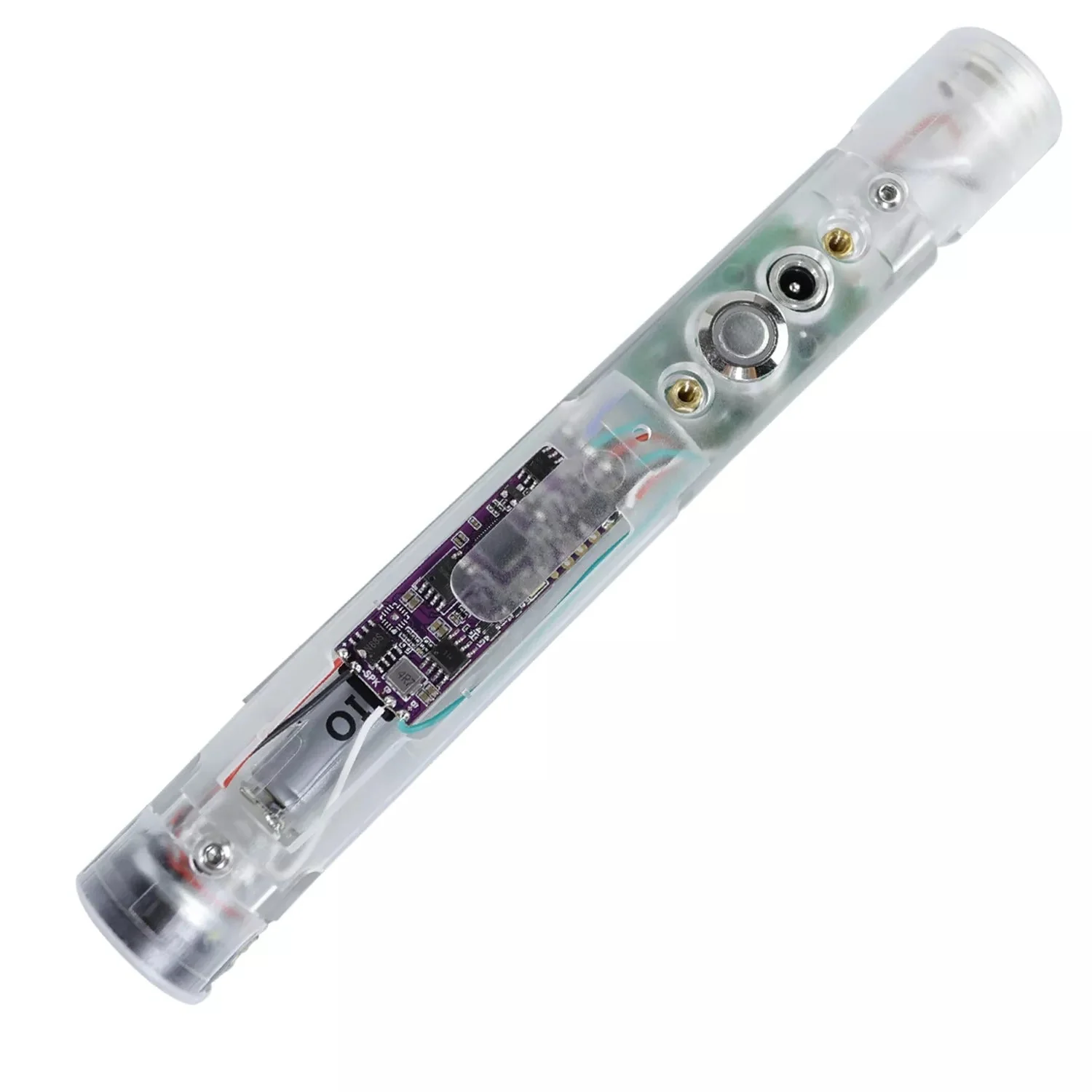
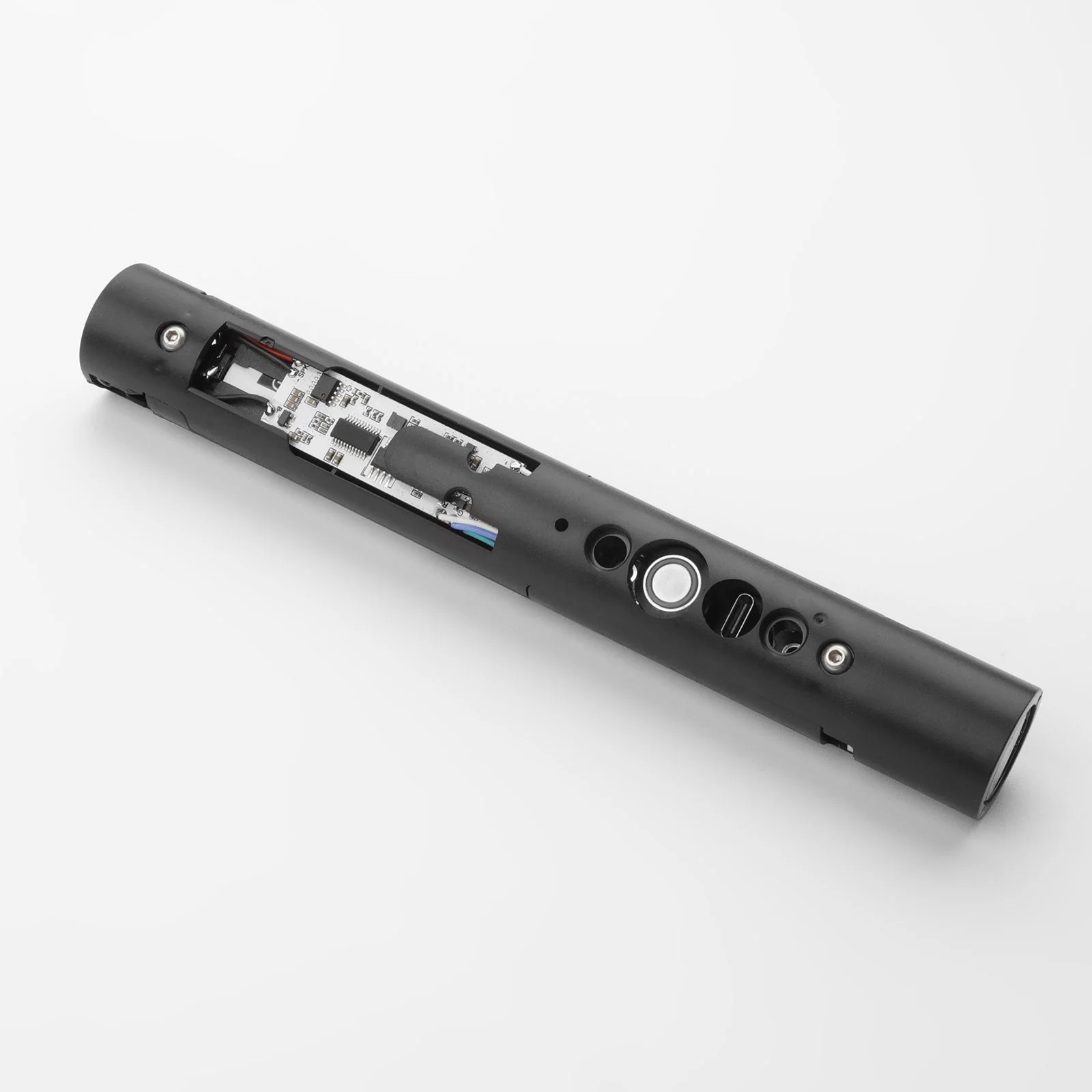
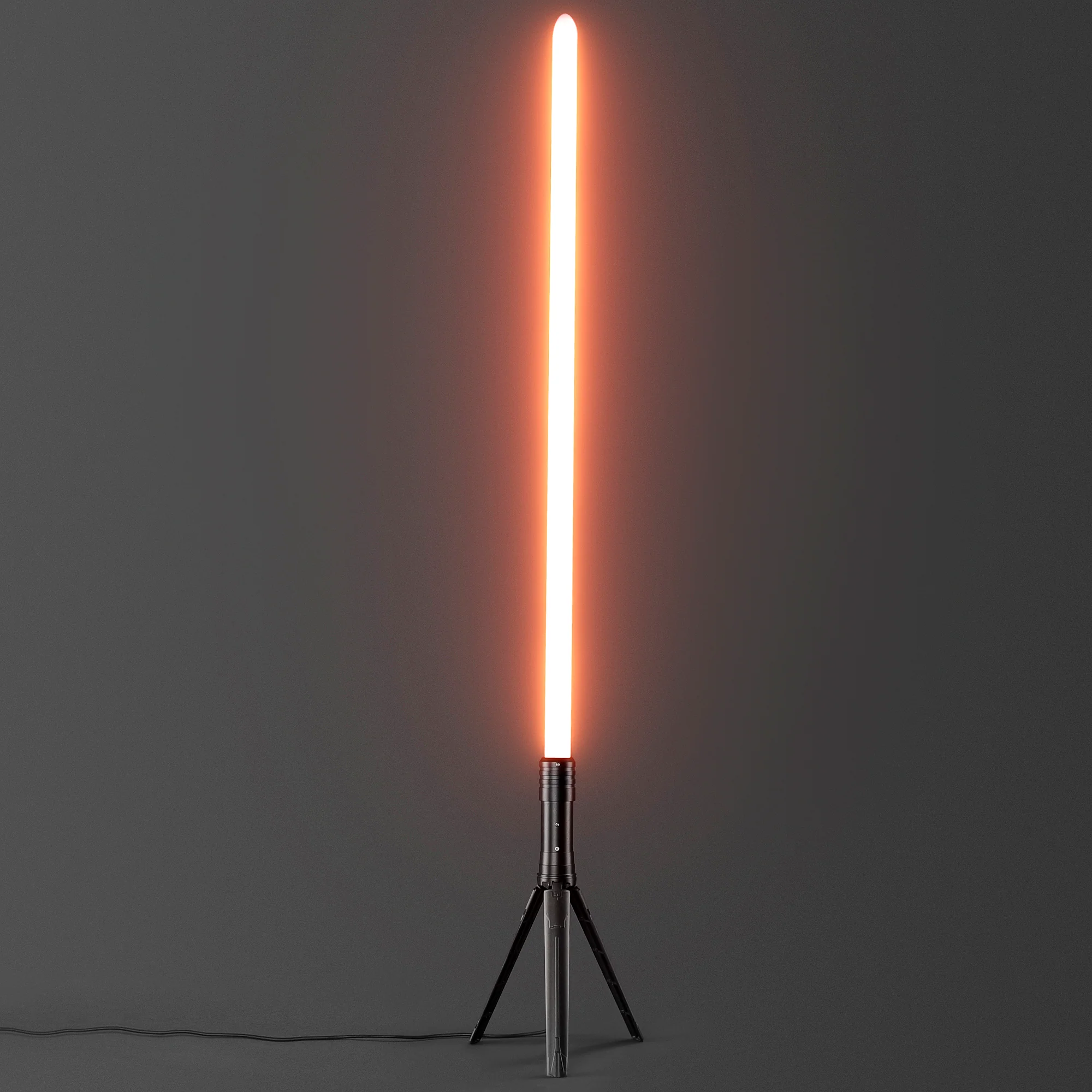
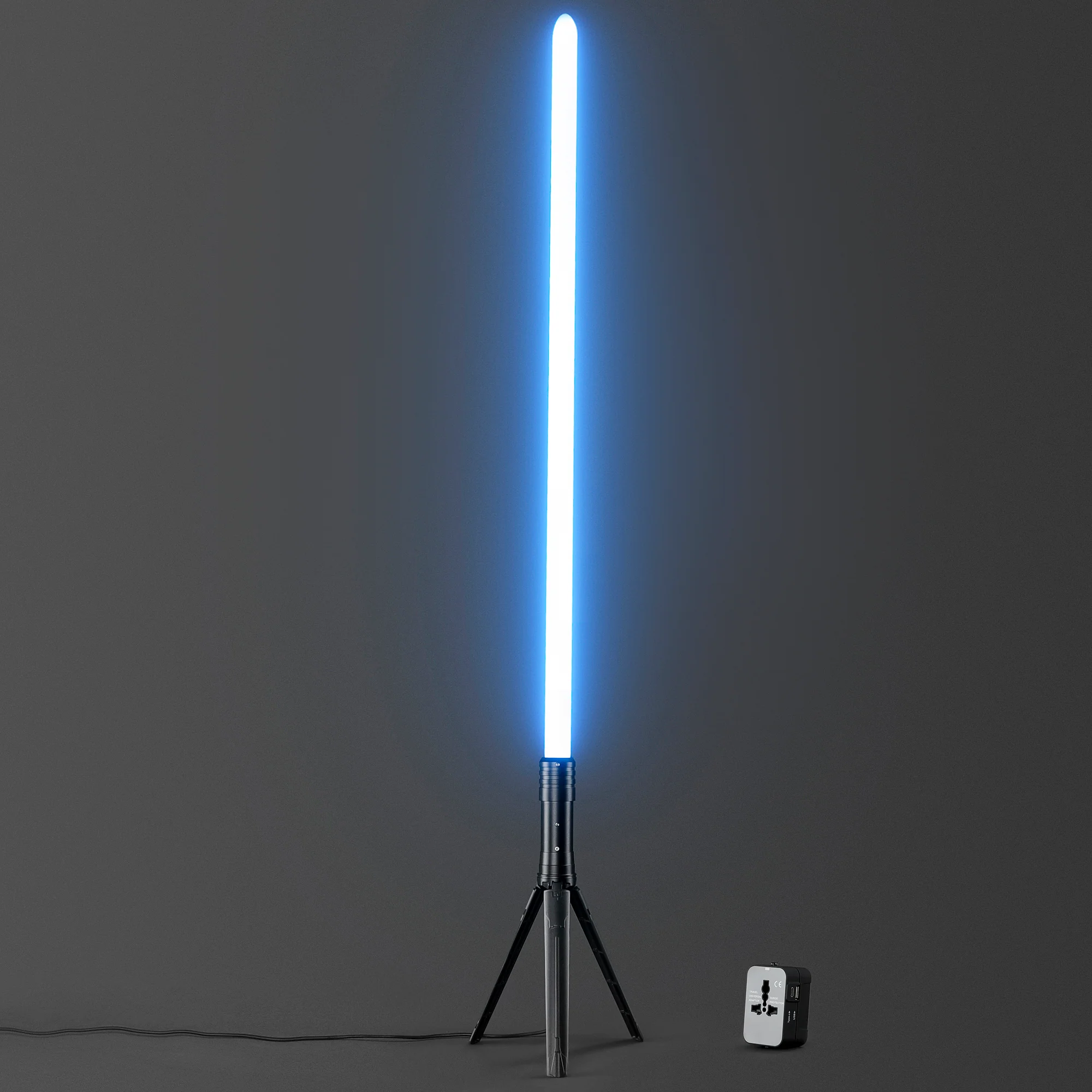
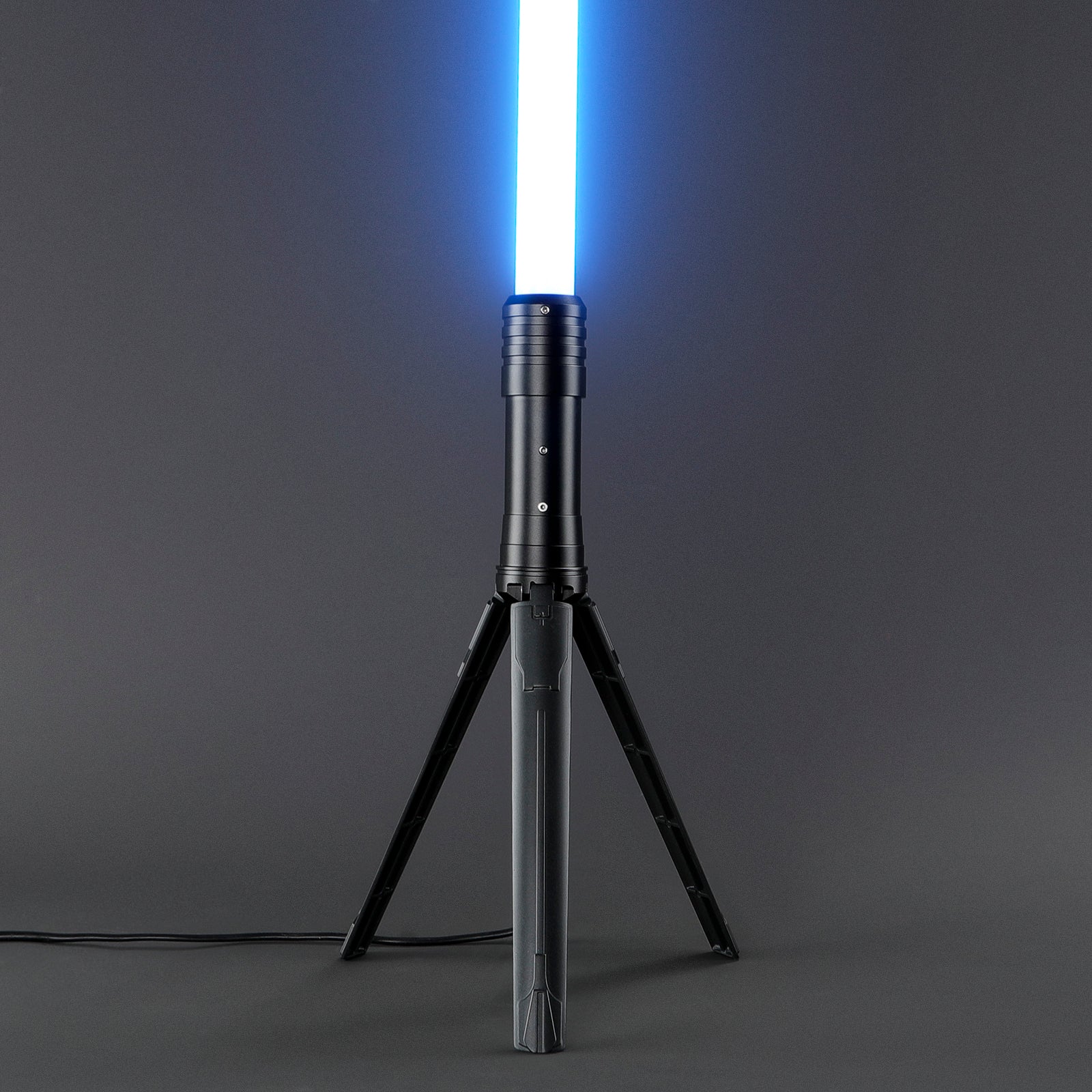
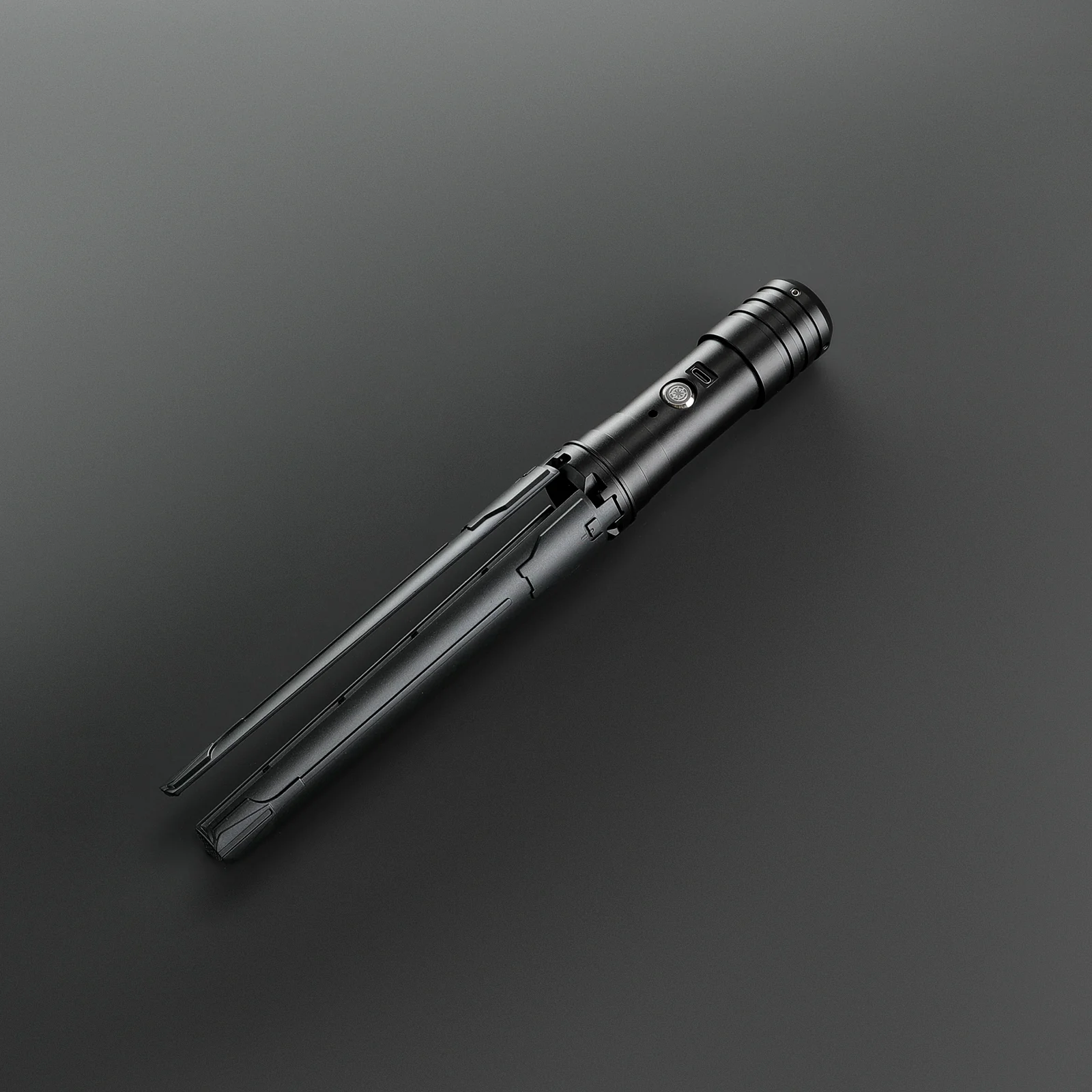
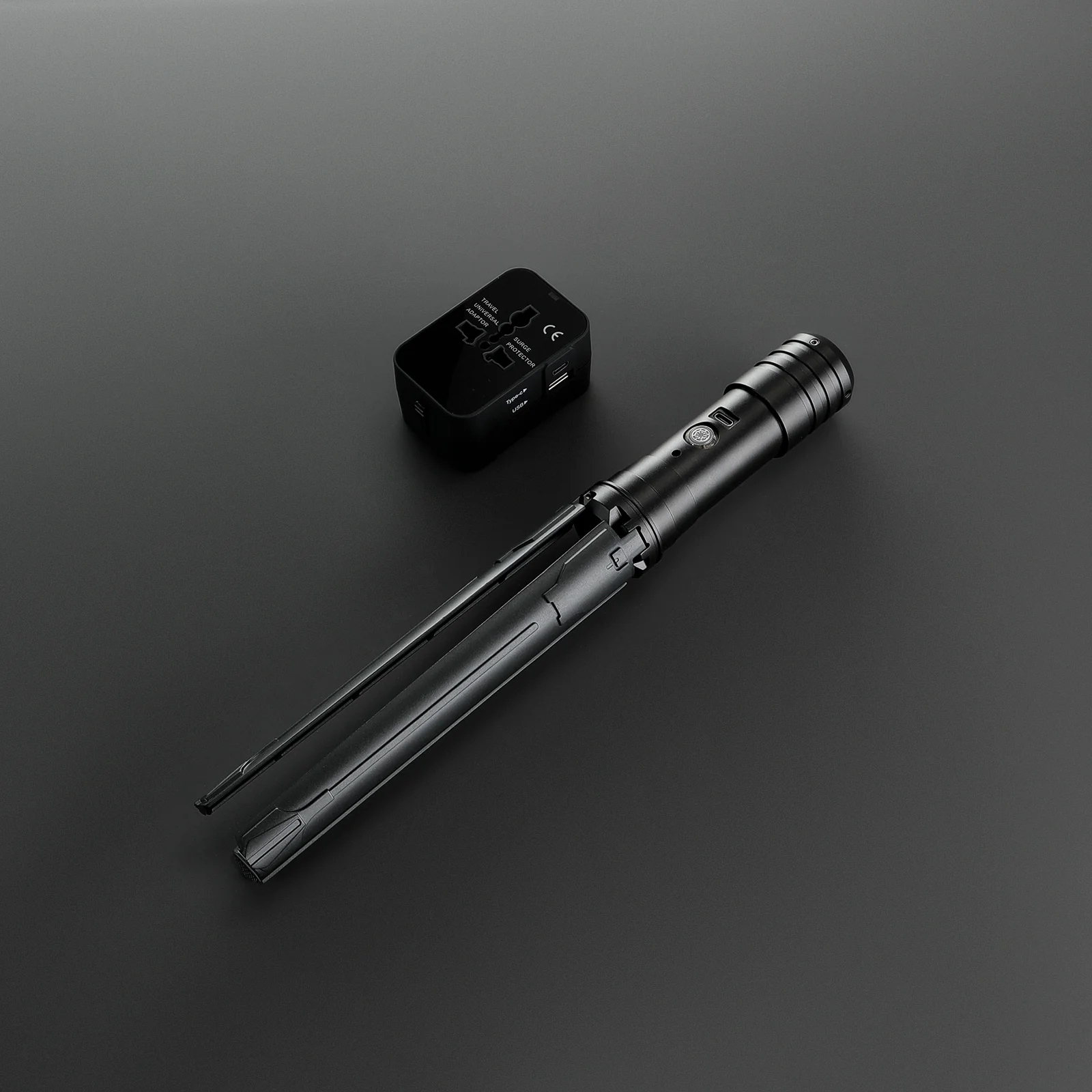
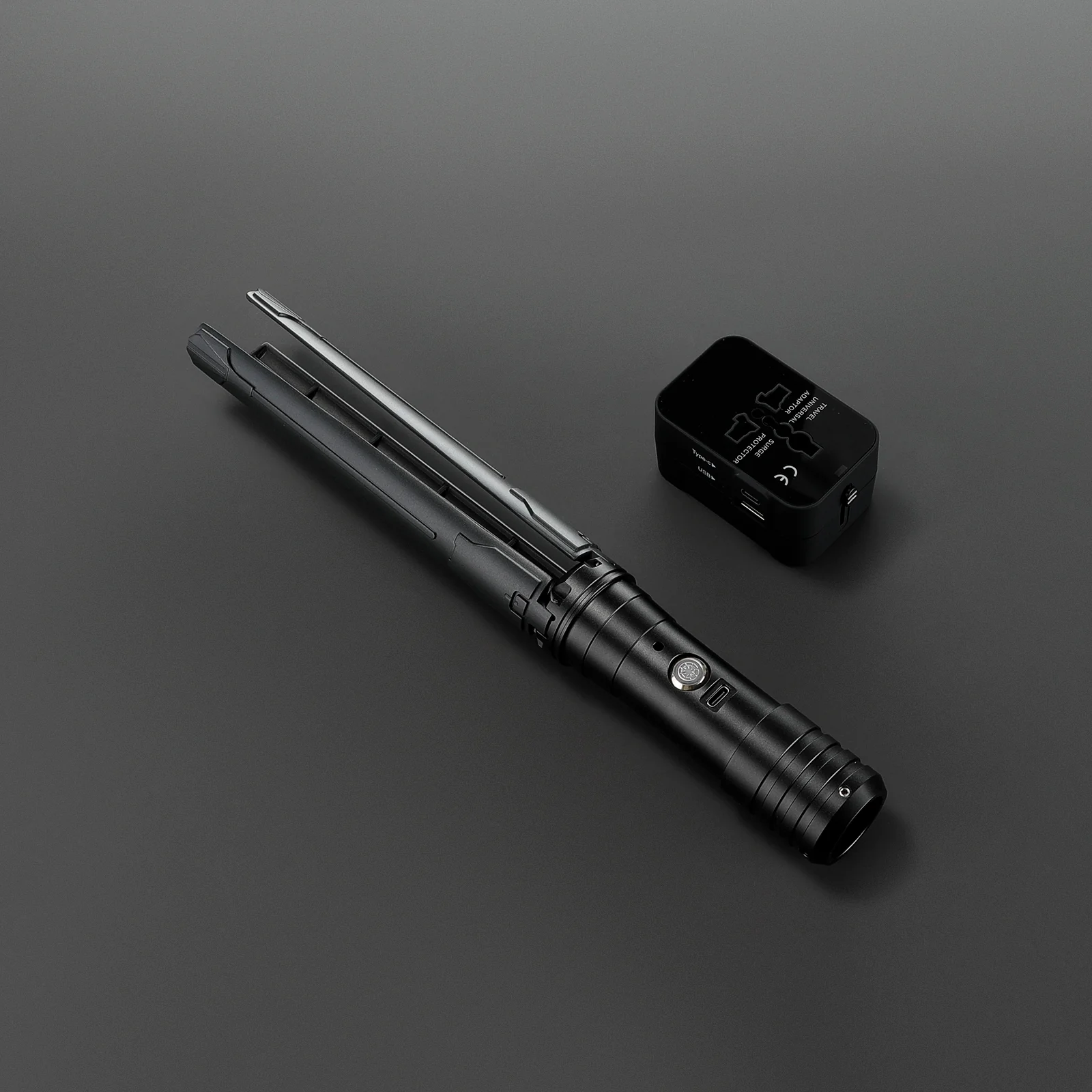
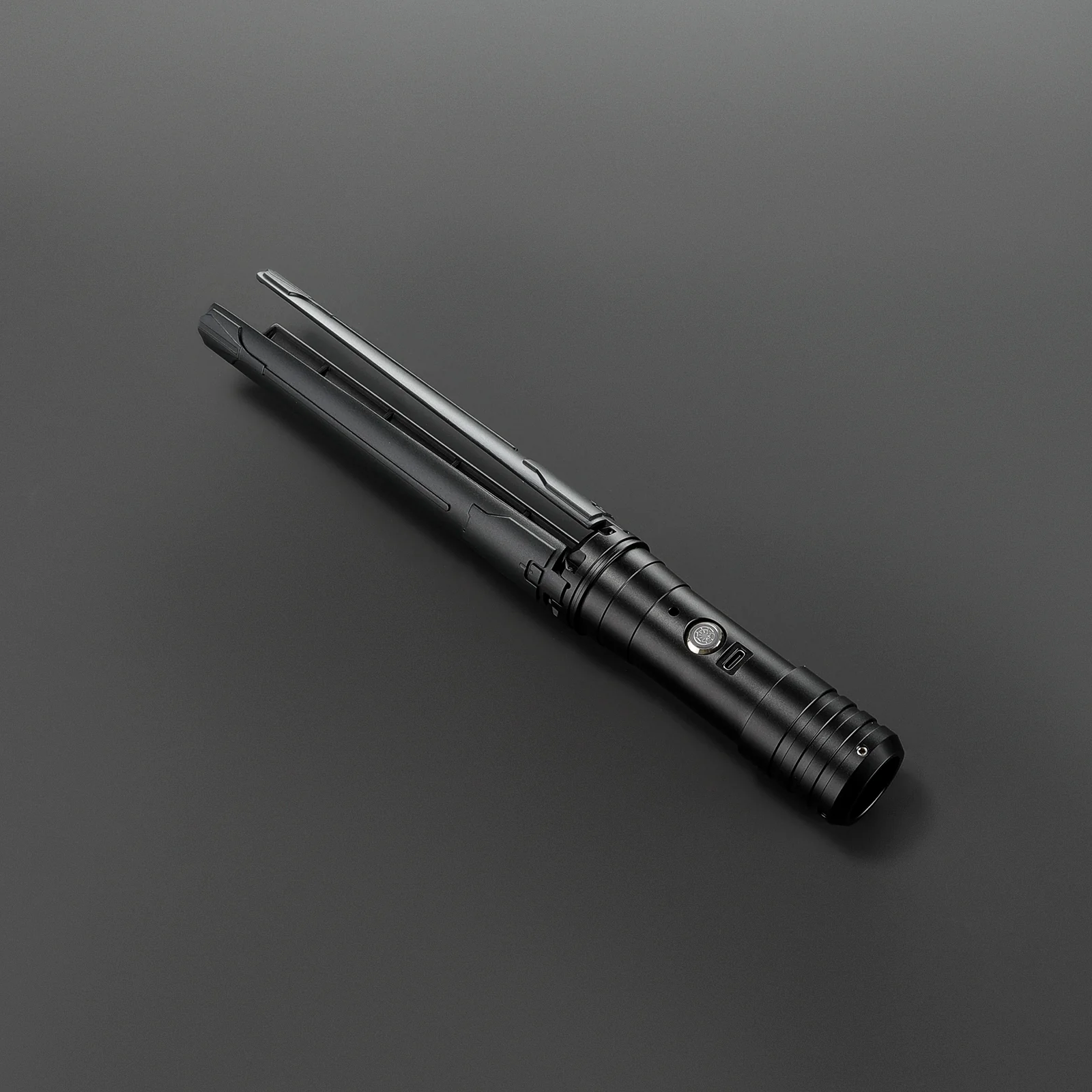
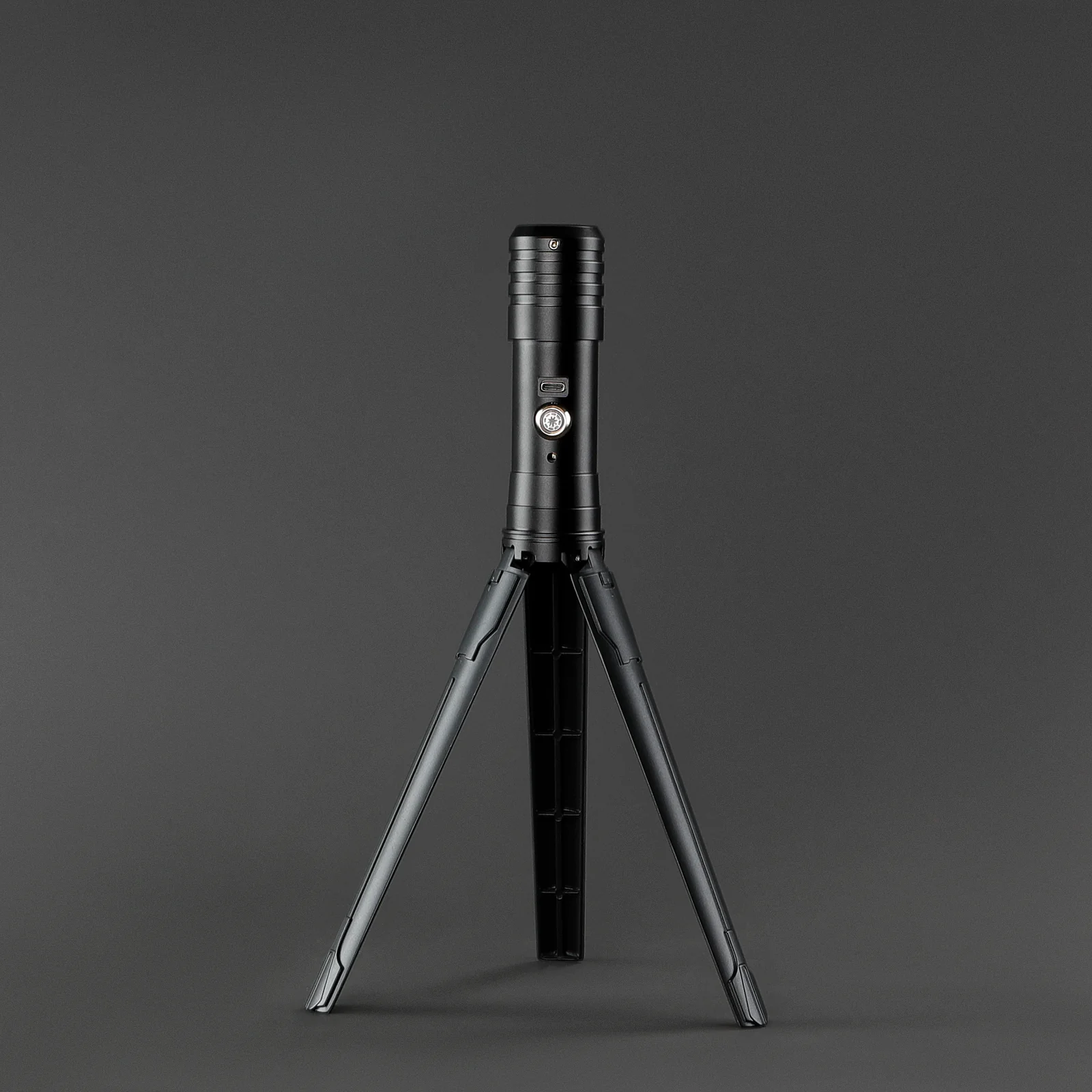
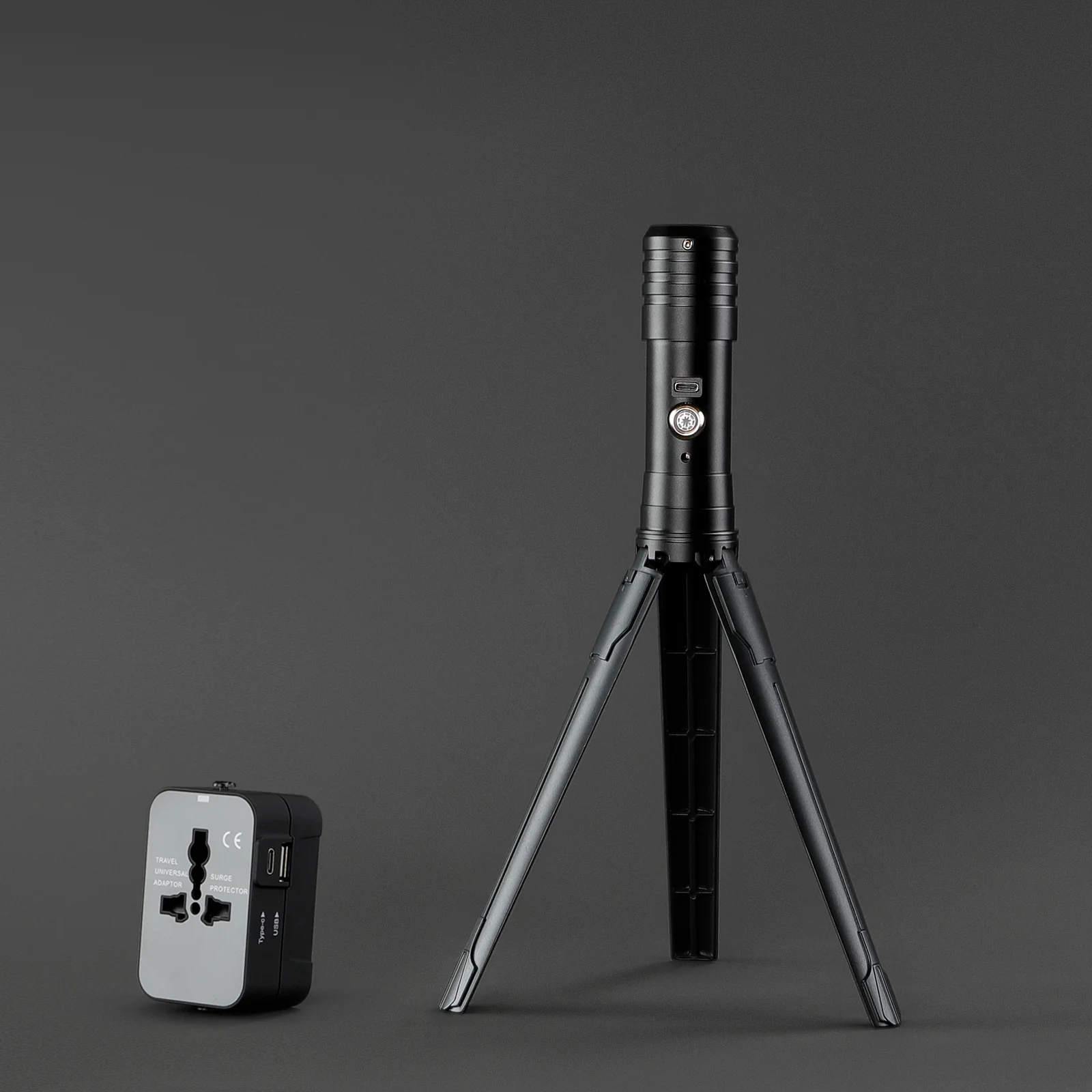
Eternal Display Saber
Product Operation Guide
Power On / Standby
- The device powers on instantly when the button light activates and automatically enters standby mode.
Single-Press Activation (Blade Control)
- The blade extends within 2 seconds.
- Press and hold for 2 seconds to retract the blade.
Default Startup Setting
- Upon startup, the blade illuminates in red by default.
Color Selection (Single Mode)
- Press and hold the button for 0.5 seconds, then release.
- The indicator light will flash once, allowing you to cycle through available colors (same color range as the lightsaber).
Continuous Color Change
- Press and hold for 1 second, then release.
- The indicator light will flash twice, activating automatic continuous color transitions.
Lighting Modes
- Short press the button to switch between lighting effects, including:
Flame, Steady, Flicker, Burst, Candy, Rainbow, and more.
Voice Control Modes
- Double-click the button to switch between:
Voice Mode 1: Light responds dynamically to sound volume
Voice Mode 2: Brightness adjusts based on sound volume
Combined Effects
- In flashing or continuous color modes, lighting effects and voice control modes can operate simultaneously for enhanced visuals
Memory Function
- The device retains the last used settings during operation.
- After powering off, settings will reset to default.
Select Blade Length
From $76.65
Original: $219.00
-65%Eternal Display Saber—
$219.00
$76.65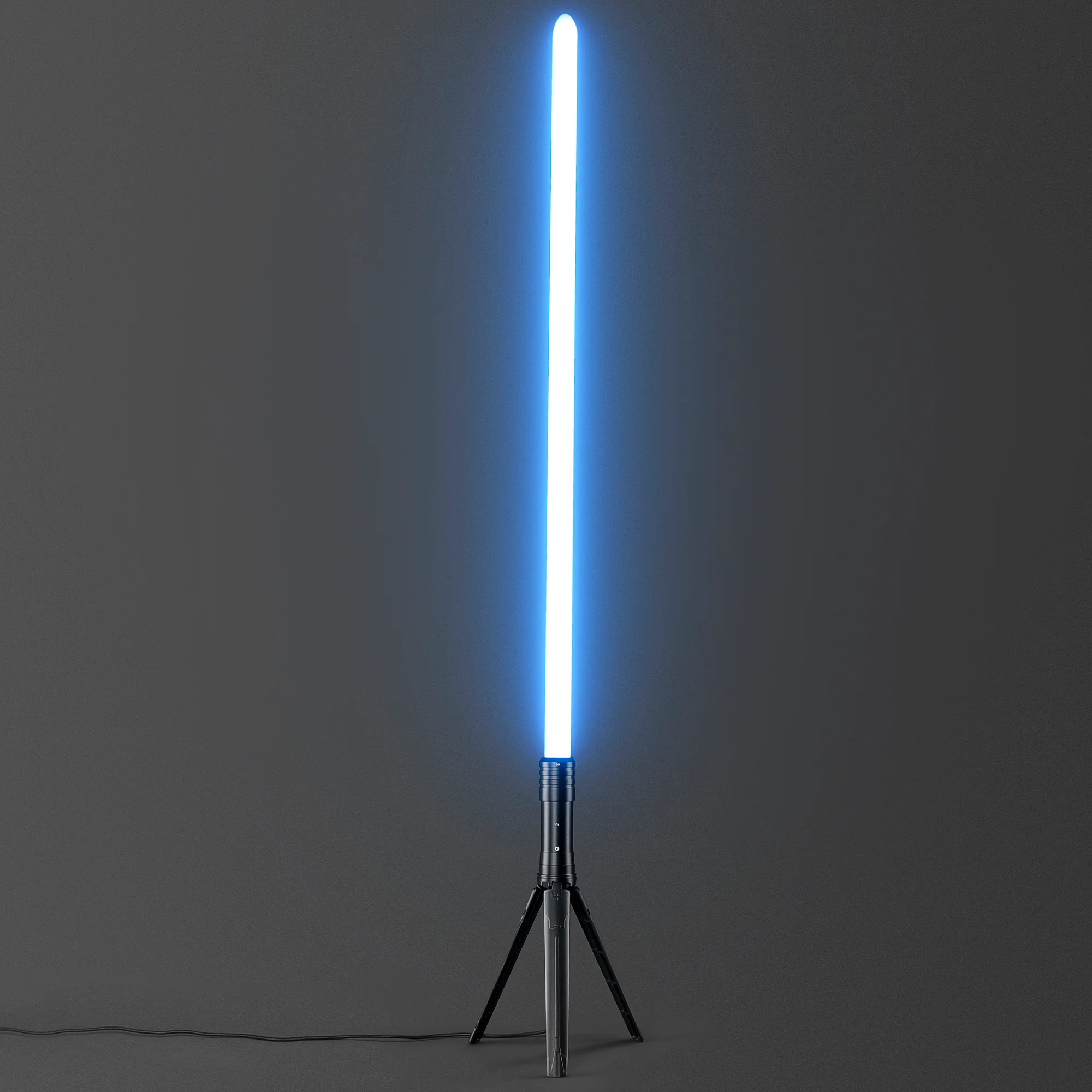
Description
Product Operation Guide
Power On / Standby
- The device powers on instantly when the button light activates and automatically enters standby mode.
Single-Press Activation (Blade Control)
- The blade extends within 2 seconds.
- Press and hold for 2 seconds to retract the blade.
Default Startup Setting
- Upon startup, the blade illuminates in red by default.
Color Selection (Single Mode)
- Press and hold the button for 0.5 seconds, then release.
- The indicator light will flash once, allowing you to cycle through available colors (same color range as the lightsaber).
Continuous Color Change
- Press and hold for 1 second, then release.
- The indicator light will flash twice, activating automatic continuous color transitions.
Lighting Modes
- Short press the button to switch between lighting effects, including:
Flame, Steady, Flicker, Burst, Candy, Rainbow, and more.
Voice Control Modes
- Double-click the button to switch between:
Voice Mode 1: Light responds dynamically to sound volume
Voice Mode 2: Brightness adjusts based on sound volume
Combined Effects
- In flashing or continuous color modes, lighting effects and voice control modes can operate simultaneously for enhanced visuals
Memory Function
- The device retains the last used settings during operation.
- After powering off, settings will reset to default.